
Understanding the Home Page Structure
In this lesson, we embark on the crucial task of crafting an engaging Home Page that serves as the virtual storefront of your online presence. We’ll explore the concept of modules as invisible containers, each playing a vital role in presenting key elements. From attention-grabbing banners to client testimonials, we’ll dissect the essential components that contribute to a compelling and organized Home Page. Join me in unravelling the intricacies of Home Page Development, setting the stage for a captivating introduction to your professional journey.
Home Page Development
Understanding the Home Page Structure:
There are thousands of variations of how the Home Page should look and what it should represent. The Home Page is like a shop window. So, imagine you walking down the street passing by lots of shops. All of them have lights, a bright and noticeable name of the shop, a shop window that presents what this shop has inside but not everything, and a door that says “We are open” that invites you to see more.
Same with the Home Page. It is also a shop window and the door that invites the visitor to check out things inside. All sections of the Home Page are called modules.
Modules
Modules: Any page is constructed of modules. Modules are like invisible containers that contain:
- Title of the Module
- Description
- Image (if necessary)
- Button (if the information has follow-up)


As you may have noticed, these containers have different layouts.
Layout – is an order in which module elements are positioned within the container. So far, I have shown you two layouts. The difference between those is not only that one has more elements. The other detail you should notice is that the Simple One has one column, and the Second One has two columns.
Columns are necessary for a compact display of all the elements

Module Layouts
Module Layouts: Generally, layouts can have multiple designs, depending on the purpose of the module. They are displayed on the page in different priority according to what we want to achieve, and it looks like this:
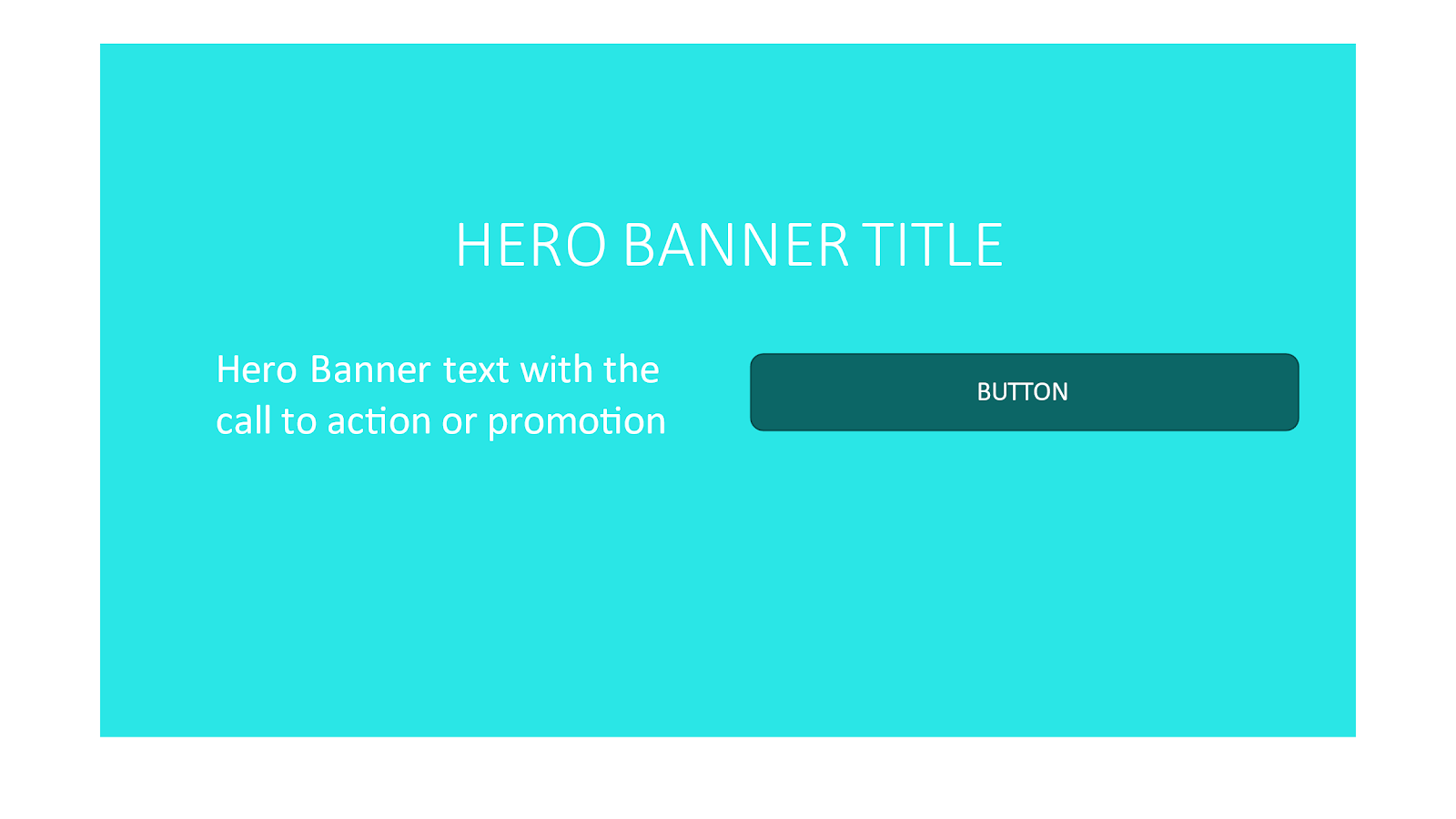
- The Hero Banner: Purpose: To grab attention and make a strong first impression. The hero banner typically features a captivating image or video, a concise headline, and a call-to-action, encouraging visitors to explore furth
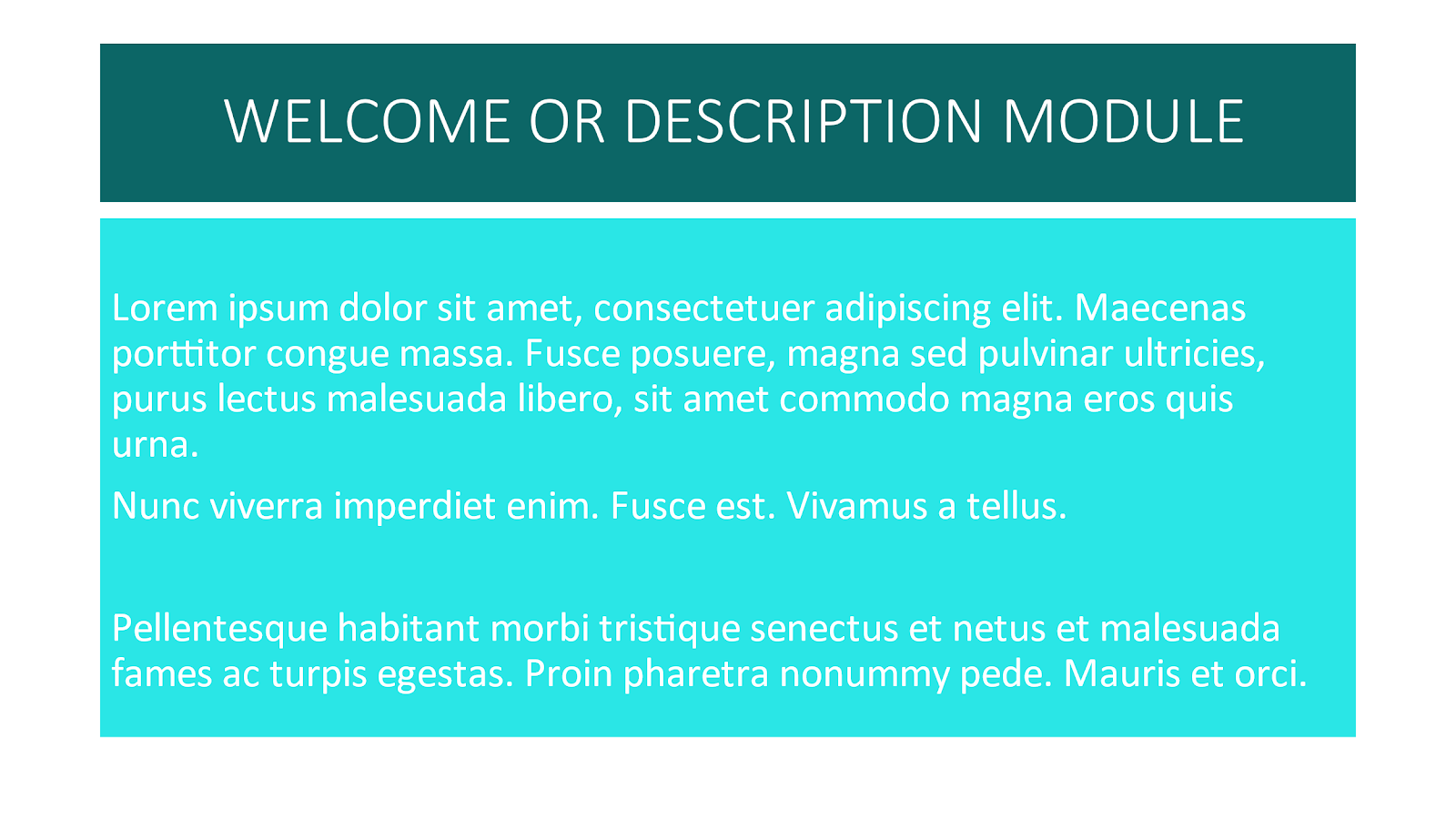
- Welcome or Description Module: Purpose: To provide a welcoming introduction and briefly convey the essence of the website or the professional’s offerings. It sets the tone for the visitor’s experience and helps them understand what to expect.
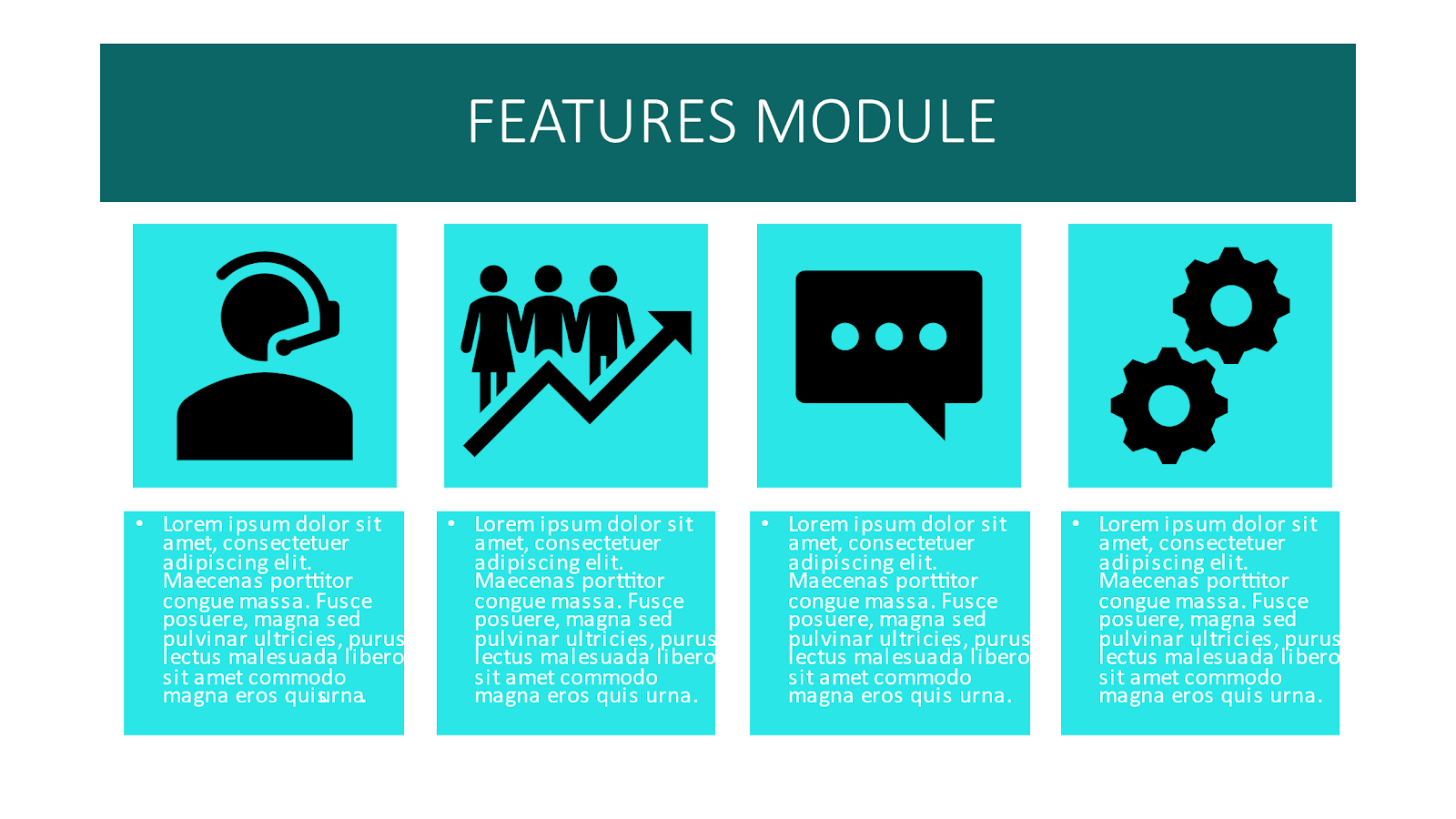
- Features: Purpose: To highlight key attributes, benefits, or distinctive features of a product, service, or the professional. This section aims to showcase what makes the offering unique and valuable.
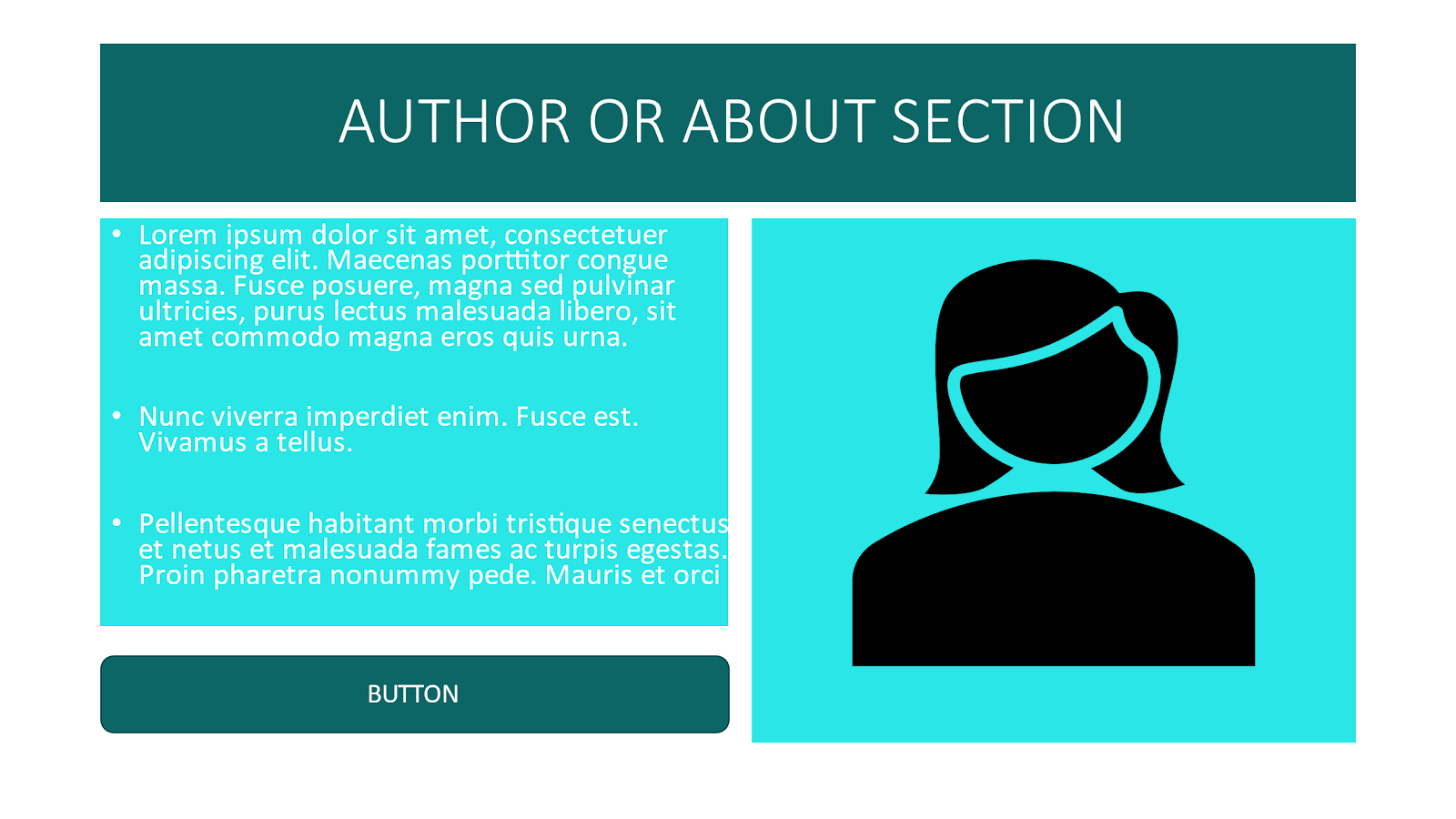
- About or Author: Purpose: To provide background information about the individual or organization behind the website. This module helps build trust and credibility by sharing relevant details such as expertise, experience, and values.
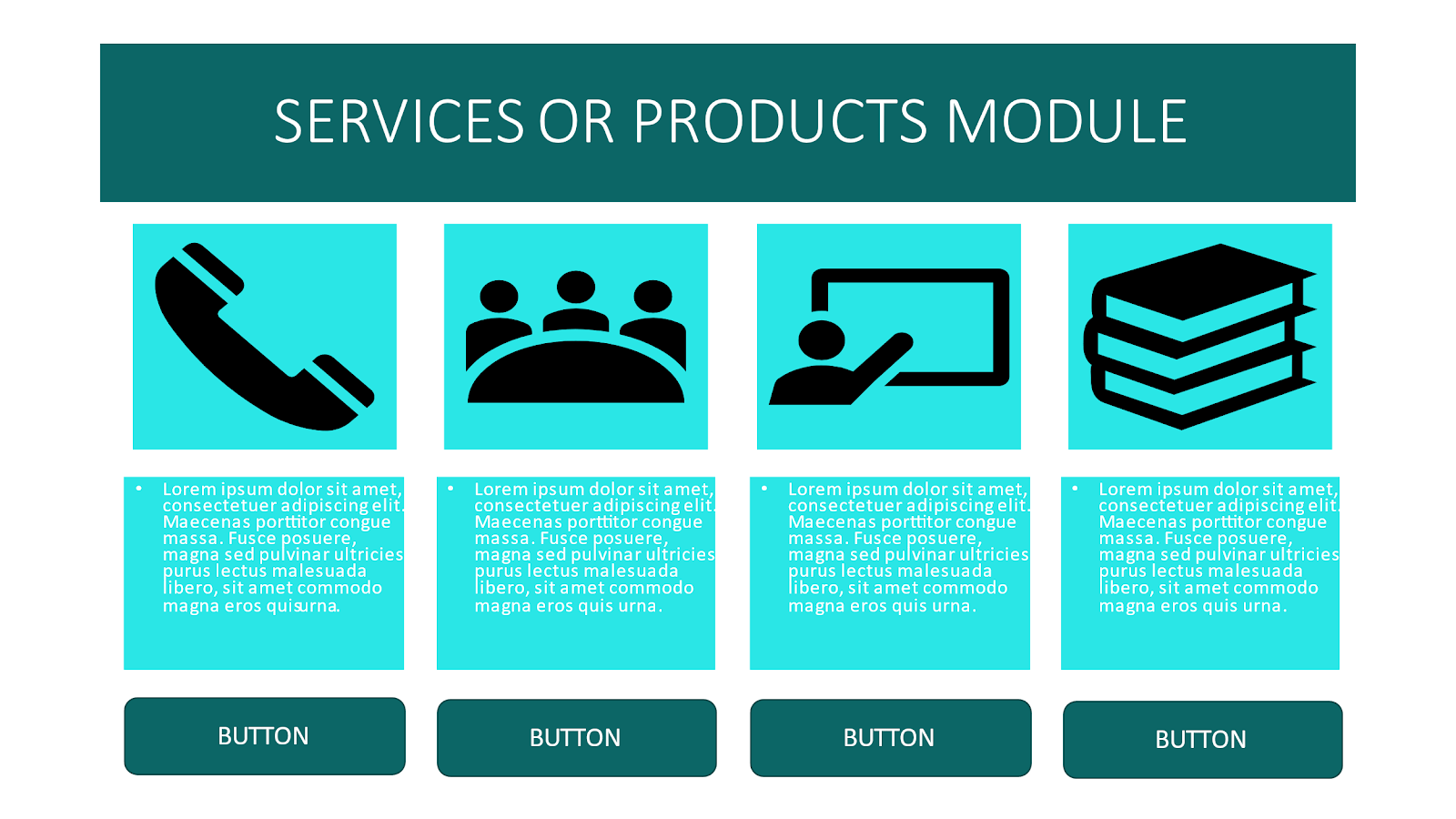
- Services or Products Module: Purpose: To outline the range of services or products offered. This section provides detailed information about what the professional provides, helping visitors understand the scope and specifics of the offerings.
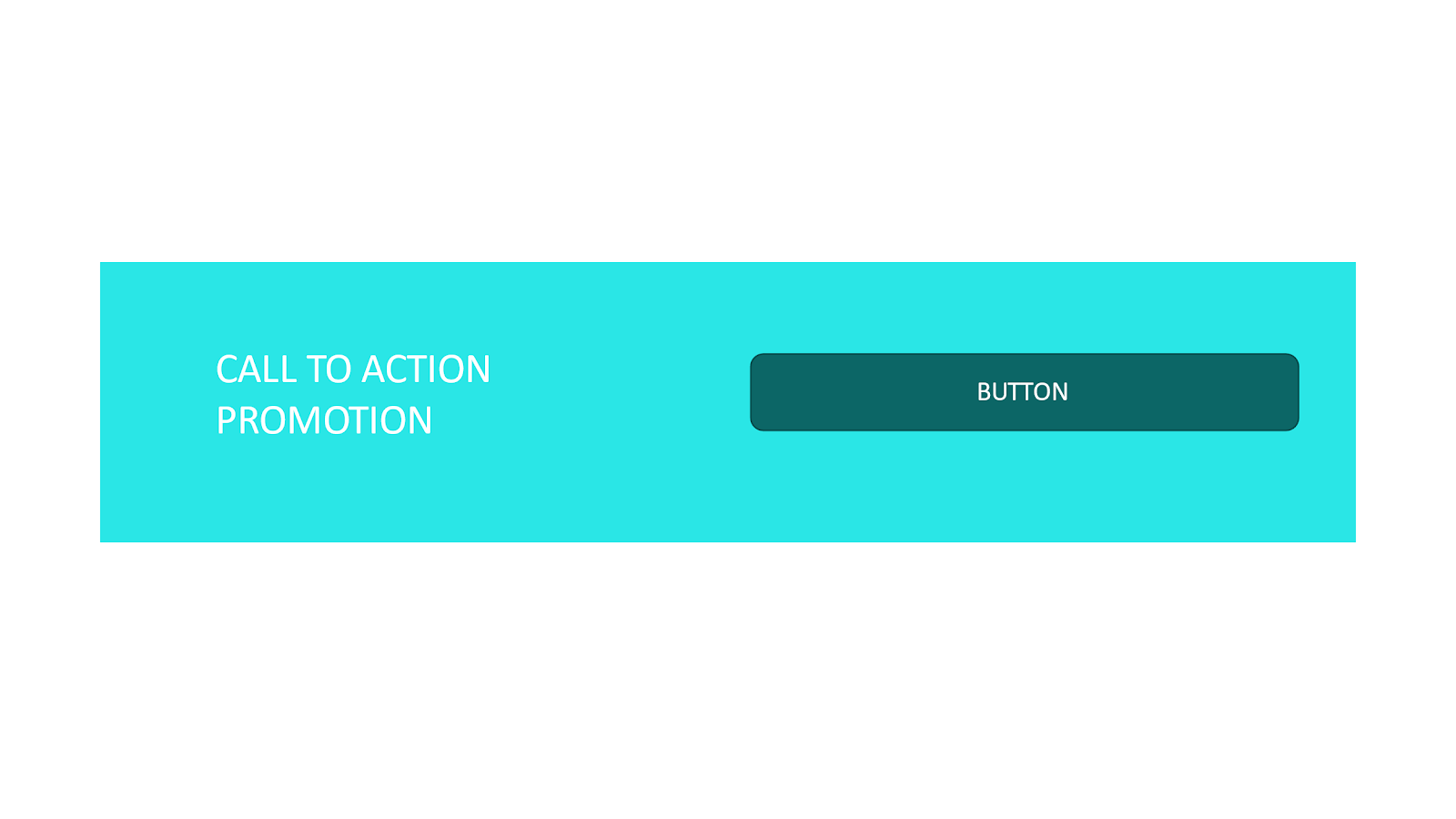
- Call to Action: Purpose: To guide visitors to take a specific action, such as making a purchase, scheduling a consultation, or subscribing to a newsletter. The call-to-action is a crucial element for converting visitors into customers or leads.
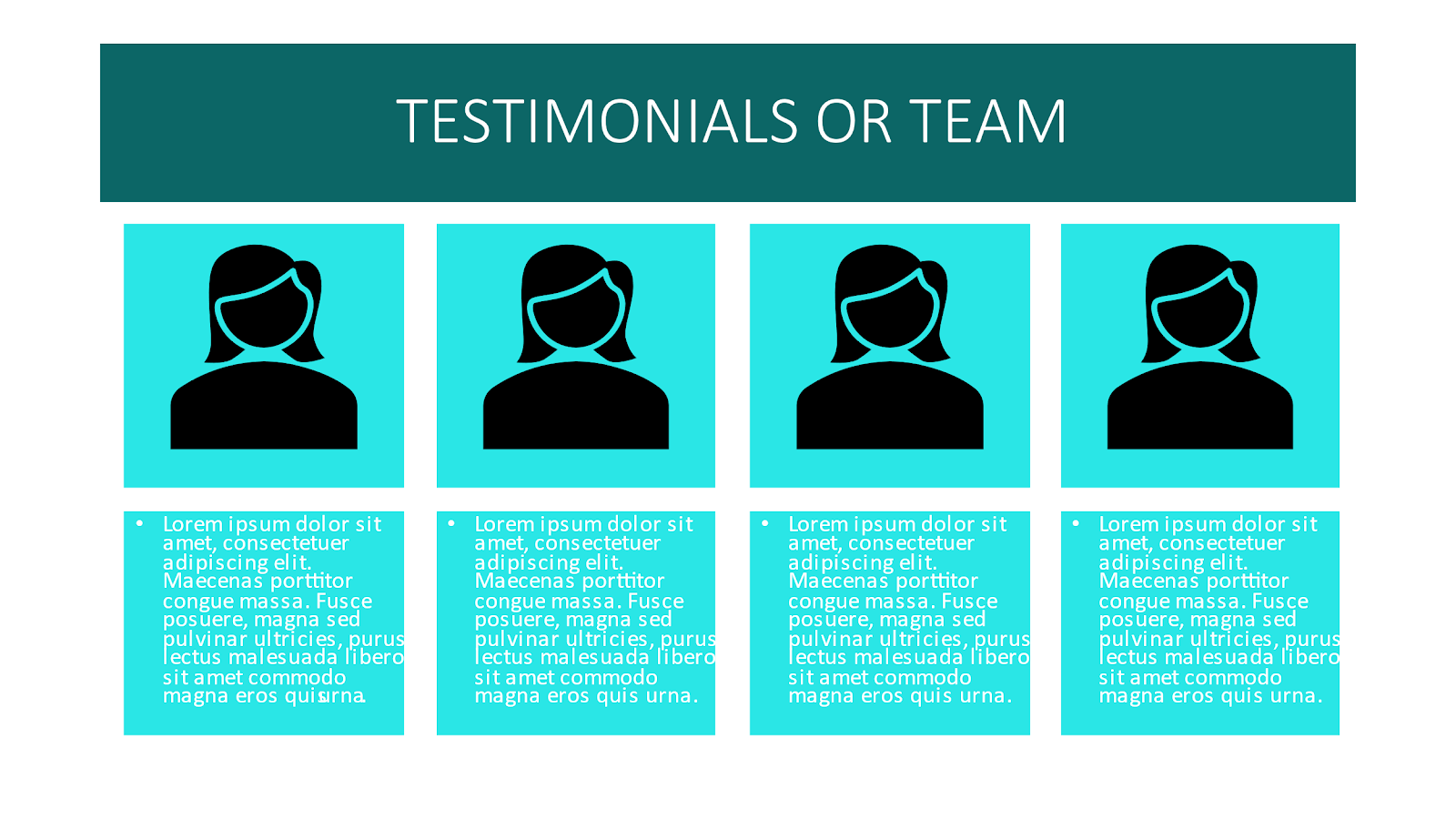
- Testimonials or Team:Purpose:
- Testimonials: To showcase positive feedback, reviews, or success stories from clients or users. This builds trust and credibility by demonstrating the real-world impact of the professional’s work.
- Team: To introduce key team members, if applicable. This adds a personal touch and helps visitors connect with the individuals behind the brand or service.
Let’s talk about what we want to show on our Home Page using these and other layout designs.
Content: Creating an effective homepage for a coach, book author, and course creator who offers 1:1 consultation requires including the following content.
Introduction:
- Headline: A concise and compelling headline that immediately communicates the value proposition. For example, “Transform Your Life Through Coaching, Books, and Courses.”
- Welcome Message: A warm and inviting message that introduces the coach, author, and course creator, highlighting their passion and expertise. The welcome message can be a part of your hero banner or a separate module, depending on the template layout.
About the Professional:
- Bio: A brief bio that outlines the professional’s background, qualifications, and what sets them apart.
- Philosophy: A section that communicates the professional’s coaching philosophy, teaching style, and the principles behind their work.
Services:
- Coaching Services: Clearly outline the different coaching services offered, emphasizing the benefits clients can expect.
- Books: Feature information about the author’s books, including titles, brief summaries, and purchase options.
- Courses: Highlight the available courses, including key topics, formats, and enrollment details.
1:1 Consultations:
- Consultation Offerings: Detail the types of 1:1 consultations available, whether they’re focused on coaching, book-related discussions, or personalized advice.
- Booking System: Integrate a user-friendly booking system to allow visitors to schedule consultations easily.
Testimonials:
- Client Stories: Share success stories and testimonials from previous clients who have benefited from coaching, books, or courses.
- Social Proof: Display any endorsements, reviews, or testimonials from well-known figures or organizations, if applicable.
Blog/Updates:
- Blog Section: Include recent blog posts or articles related to the professional’s expertise. This demonstrates ongoing engagement and provides valuable content to visitors.
- Newsletter Signup: Encourage visitors to subscribe to a newsletter for regular updates, tips, and exclusive content.
Media and Press:
- Media Mentions: Showcase any media features, interviews, or press coverage to build credibility.
- Press Kit: Include a link to a downloadable press kit containing high-resolution images, bios, and relevant information for media use.
Contact Information:
- Contact Form: Provide a contact form for general inquiries or collaboration opportunities.
Call-to-Action (CTA):
- Prominent CTA: Place a clear and compelling call-to-action button, encouraging visitors to book a consultation, purchase a book, or enroll in a course.
We are not going to have on our Home Pages some sections out of the above. But I have shared them with you because as you develop you will need them all. For example, Media and Press comes down the line when you become famous in your area, and there is a lot of PR work behind Appearing on Media and Press. So this will be a separate module that we are not covering now but will be available separately. Also, the Newsletter is not going to be in this course as this is a separate topic related to Email marketing which will be a separate course as well.
I believe now you have clarity on what the Home Page for a Public Figure looks like. In the next lesson, we will see what exactly you will write in each of those modules and how to do it with ChatGPT.